
How to Save Recipes From Instagram Reels and Posts
The trouble with Instagram's Saved folder
Saving a reel bookmarks it inside Instagram. You can sort saves into collections, but you can't search them by ingredient, scale them, or build a shopping list from them. And the recipe itself is often missing: many food reels say "full recipe in my bio" or speak the amounts out loud instead of writing them down.
If you cook from Instagram more than once a month, the recipe needs to live somewhere else.
The free way: screenshot or copy the caption
When the recipe is in the caption, tap "more", press and hold the text, and copy it into a notes app. When it's on screen in the video, take screenshots of the ingredient list.
It works, but you end up with a camera roll full of screenshots and notes with no structure. Fine for one recipe, painful for fifty.
Share the reel to CookFlic
CookFlic turns an Instagram link into a written recipe:
1. On the reel or post, tap the paper-plane Share button, then "Copy link". On iPhone and Android you can also pick CookFlic straight from the share sheet.
2. If you copied the link, open CookFlic, tap "Add recipe", then "Paste a link".
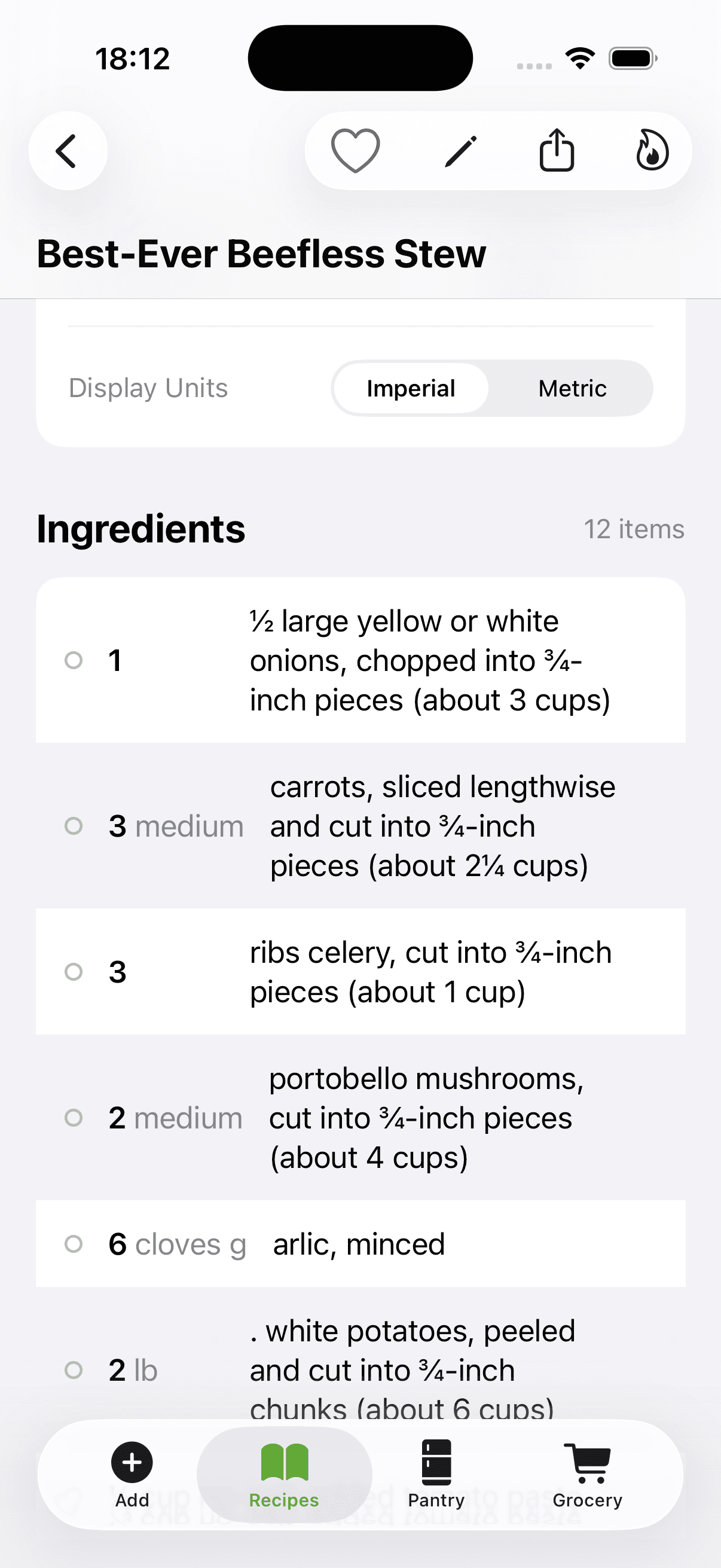
3. CookFlic reads the caption first. If the recipe isn't there, it watches the reel and writes down the ingredients and steps the creator says or shows.
4. Review, adjust and save. The original post stays linked from the recipe.
This works for public posts. Recipes from private accounts can't be read; for those, a screenshot import is the fallback.
What about "recipe in bio"?
Often the link in bio points to the creator's blog. Open it, find the recipe page, and import that link instead. Recipe blogs usually carry standard recipe data, which CookFlic reads without AI, so it's free and comes through with exact amounts.
If the creator only speaks the recipe in the reel, import the reel itself and CookFlic will write it down from the video.
What it costs
Reading a reel or caption uses AI, so each Instagram import uses one flic. The free plan includes 3 a week and the subscription 10 a week. Blog links with standard recipe data are free.
Instagram imports need a free account, because the reel is read on our server. Sign in with Apple or Google.
Ready to cook with what you have?
CookFlic captures recipes from anywhere, matches them to your pantry, and guides you step-by-step. See all features →
DownloadFrequently Asked Questions
Can I save Instagram recipes for free?
Copying the caption or taking screenshots is free. CookFlic's free plan includes 3 AI imports a week, enough for a few reels, and stores up to 25 recipes.
Does CookFlic work with Instagram reels that don't write the recipe down?
Yes. When the caption has no recipe, CookFlic watches the reel and writes down the ingredients and steps from what the creator says and shows.
Can I import from private Instagram accounts?
No. Only public posts can be read. For a private post, take a screenshot and import it as a photo.
Where do my Instagram recipes go?
Into your CookFlic library, synced across iPhone, iPad, Mac and Android. You can add them to cookbooks, plan them on the week and build a shopping list from them.
Related articles
5 min read
How to Save Recipes From TikTok (and Actually Find Them Again)
TikTok favorites are a messy place to keep recipes. How to turn a TikTok video into a written recipe with ingredients and steps, even when the recipe is only spoken in the video.
6 min read
How to Import Recipes From Any Website, Video, or Cookbook
Stop saving recipes in five different places and never finding them again. Here is how to import recipes from any source — URLs, YouTube videos, cookbooks, and apps — into one searchable library on your iPhone.