
How to Save Recipes From TikTok (and Actually Find Them Again)
Why TikTok favorites don't work as a recipe box
Tapping the bookmark on a TikTok saves the video, not the recipe. Three months later you have 200 saved videos, no search by ingredient, and a recipe you have to pause and rewind six times while your hands are covered in flour. Creators delete videos too, and when they do, your saved copy disappears with them.
What you want is the recipe written down: a list of ingredients you can shop from and numbered steps you can follow at the stove.
Option 1: copy the caption by hand
Some creators put the full recipe in the caption. Open the video, tap the caption to expand it, press and hold to copy, and paste it into your notes app.
This is free and works anywhere, but it breaks down fast. Many captions say "recipe in bio" or list only the dish name, and a notes app has no servings, no shopping list and no way to find "that chicken thing" later.
Option 2: share the TikTok to a recipe app
A recipe app can read the video for you. With CookFlic it works like this:
1. In TikTok, tap Share on the video, then "Copy link" (or choose CookFlic from the share sheet on iPhone or Android).
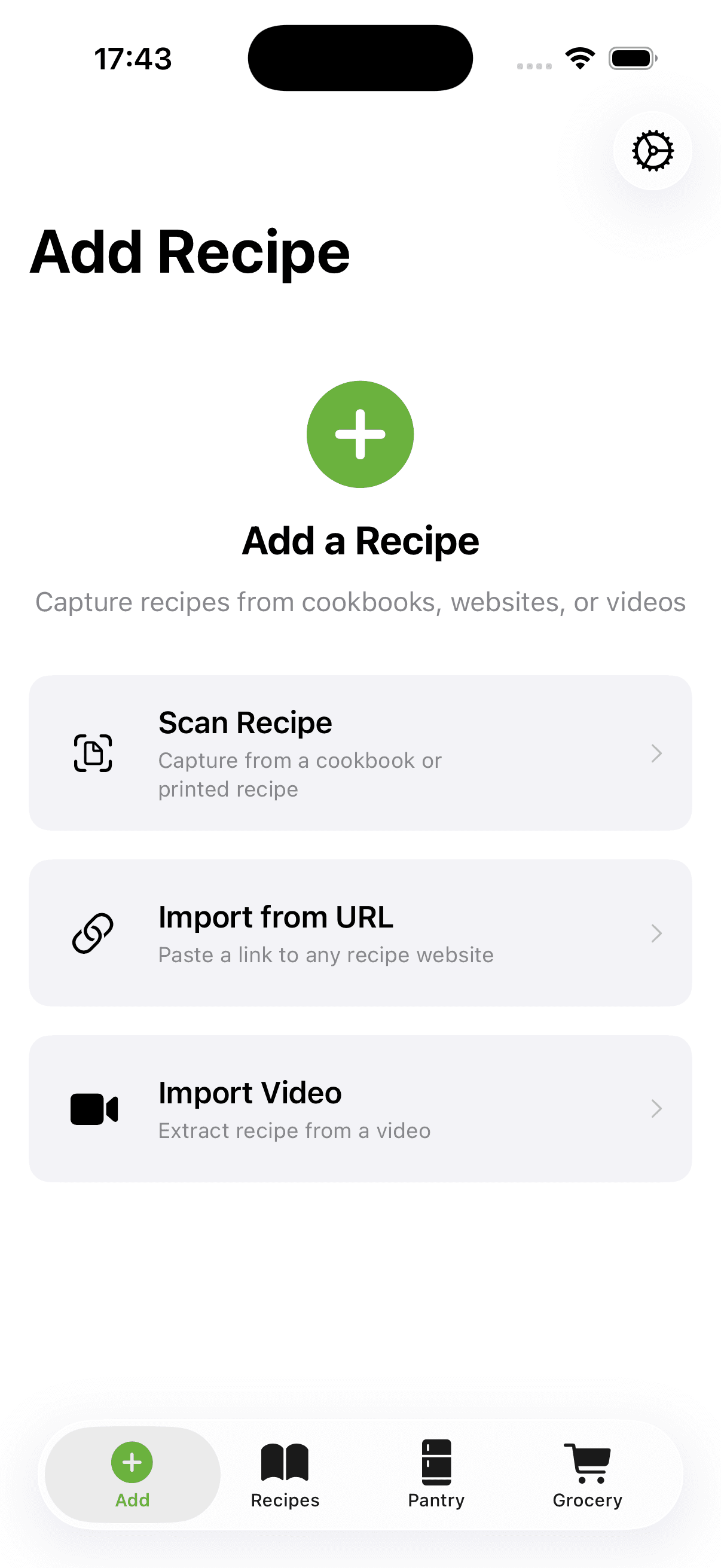
2. If you copied the link, open CookFlic, tap "Add recipe", then "Paste a link".
3. CookFlic reads the caption. If the recipe isn't written there, it watches the video and writes down what the creator says and shows: ingredients with amounts, and the steps in order.
4. Check the result, fix anything that looks off, and save. The recipe keeps a link back to the original video.
When a creator never says an amount, CookFlic fills in a sensible one for the servings shown, so you get a usable shopping list. Treat those amounts as a starting point and adjust to taste.
What it costs
Reading a video uses AI, so each TikTok import uses one flic. The free plan includes 3 every week, and the subscription includes 10 a week. Links from recipe websites that carry standard recipe data import without AI and don't use flics at all.
You can try CookFlic without an account, but importing from TikTok needs one, because the video is read on our server. Signing in with Apple or Google takes a few seconds and keeps your recipes synced across iPhone, iPad, Mac and Android.
Keep your TikTok recipes findable
Once a few dozen recipes are in, a little structure helps:
- Put recipes into cookbooks such as "Weeknight", "Meal prep" or "To try". - Search by ingredient when you have half a bag of spinach to use up. - Drop recipes onto the meal planner and send the whole week to one shopping list, sorted by aisle.
The TikTok stays where it was. You now also have the recipe, in writing, where you can cook from it.
Ready to cook with what you have?
CookFlic captures recipes from anywhere, matches them to your pantry, and guides you step-by-step. See all features →
DownloadFrequently Asked Questions
Can I save a TikTok recipe if the recipe isn't in the caption?
Yes. If the caption has no recipe, CookFlic watches the video and writes down the ingredients and steps the creator says or shows. If the video doesn't contain a recipe at all, you get a draft with the title and link to finish by hand.
Is there a free TikTok recipe saver?
Copying the caption by hand is free. In CookFlic, the free plan includes 3 AI imports a week, which covers TikTok videos, and holds up to 25 recipes.
What happens to my saved recipe if the creator deletes the TikTok?
The recipe stays in CookFlic. The link back to the video stops working, but the ingredients and steps are yours.
Does it work on Android?
Yes. CookFlic is on Google Play and the App Store, and TikTok's share button works the same way on both.
Related articles
5 min read
How to Save Recipes From Instagram Reels and Posts
Instagram's Saved folder keeps the post, not the recipe. How to turn an Instagram reel or post into a recipe you can cook and shop from, including reels that say "recipe in bio".
6 min read
How to Import Recipes From Any Website, Video, or Cookbook
Stop saving recipes in five different places and never finding them again. Here is how to import recipes from any source — URLs, YouTube videos, cookbooks, and apps — into one searchable library on your iPhone.